


Retouch4me Apex


How it works
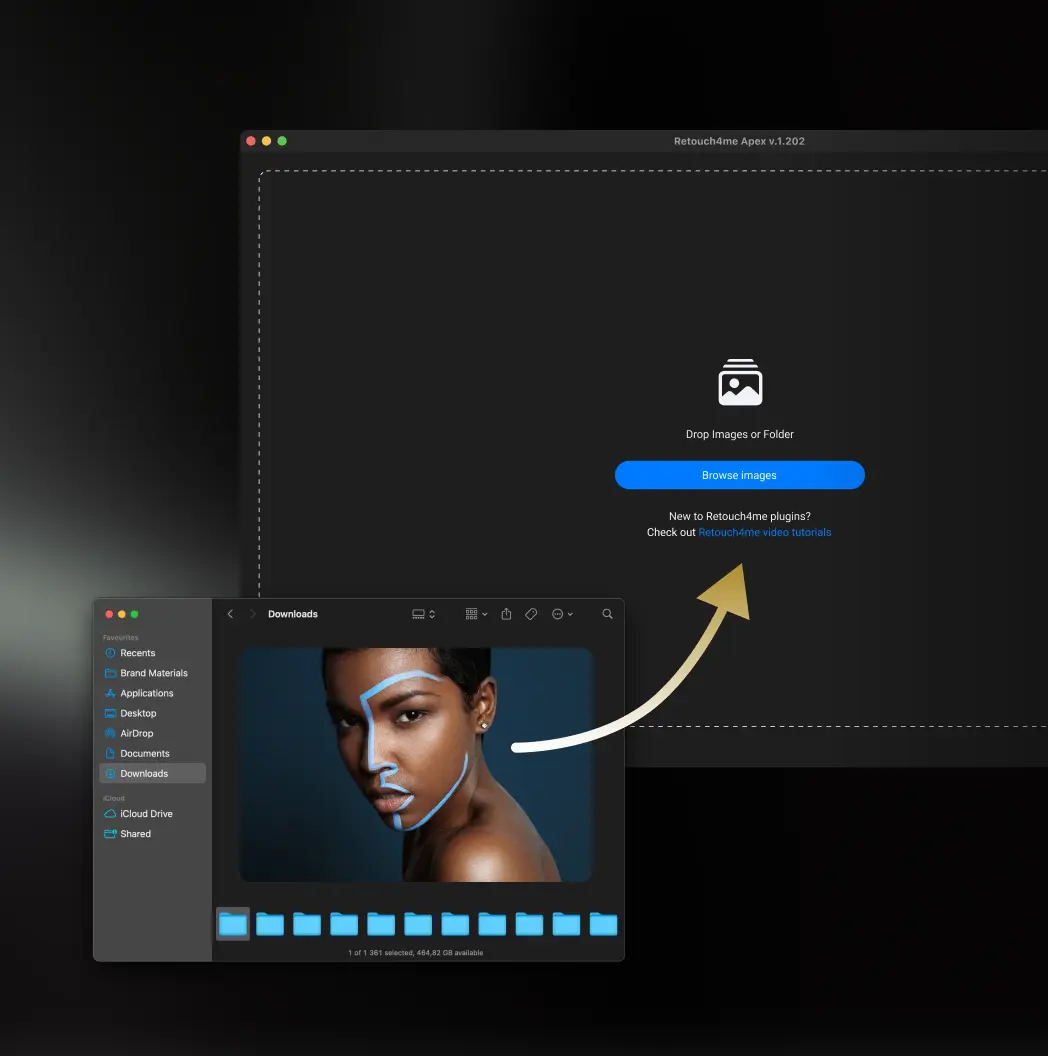
Simple workflow
Quick start
Select the desired tool and start processing without complex setup.
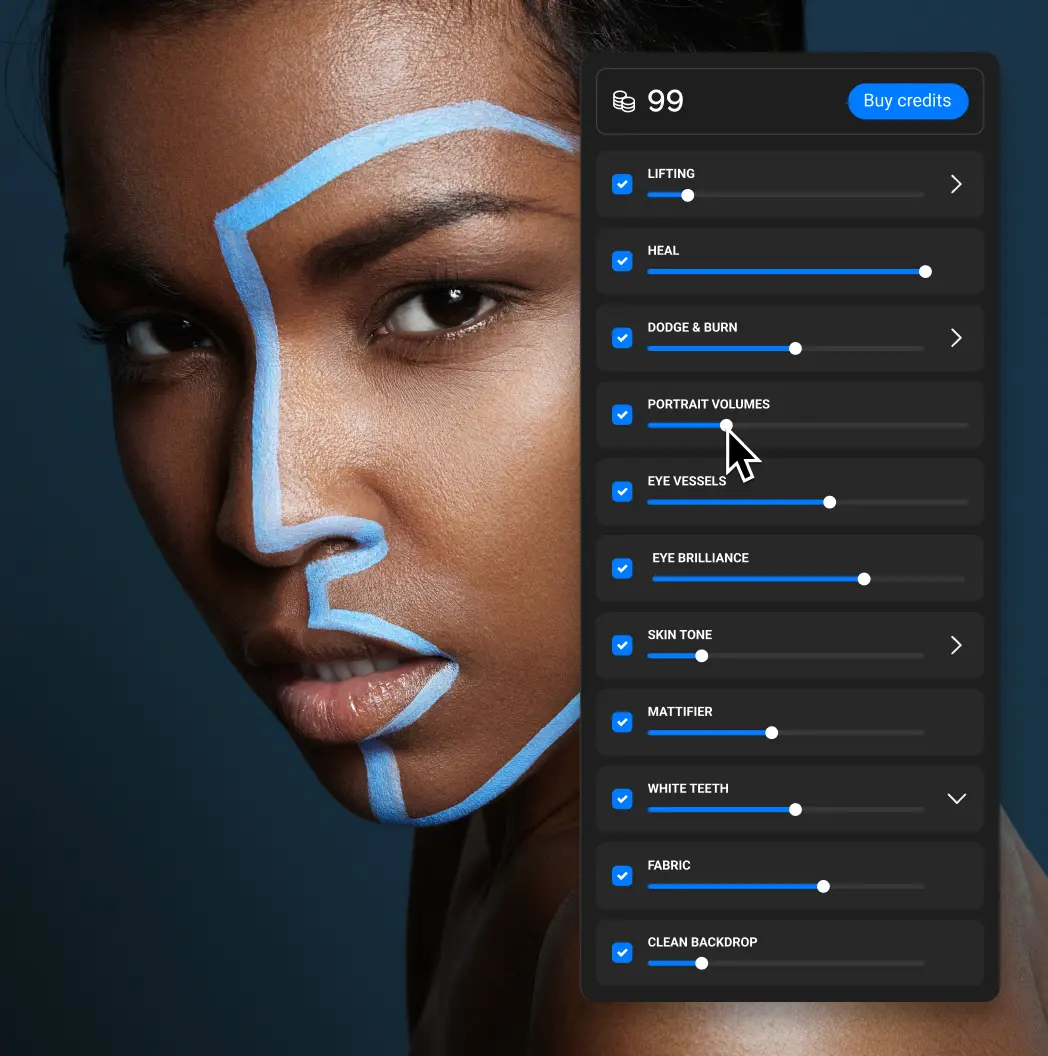
Flexible customization
Change processing intensity and control the result for each photo.
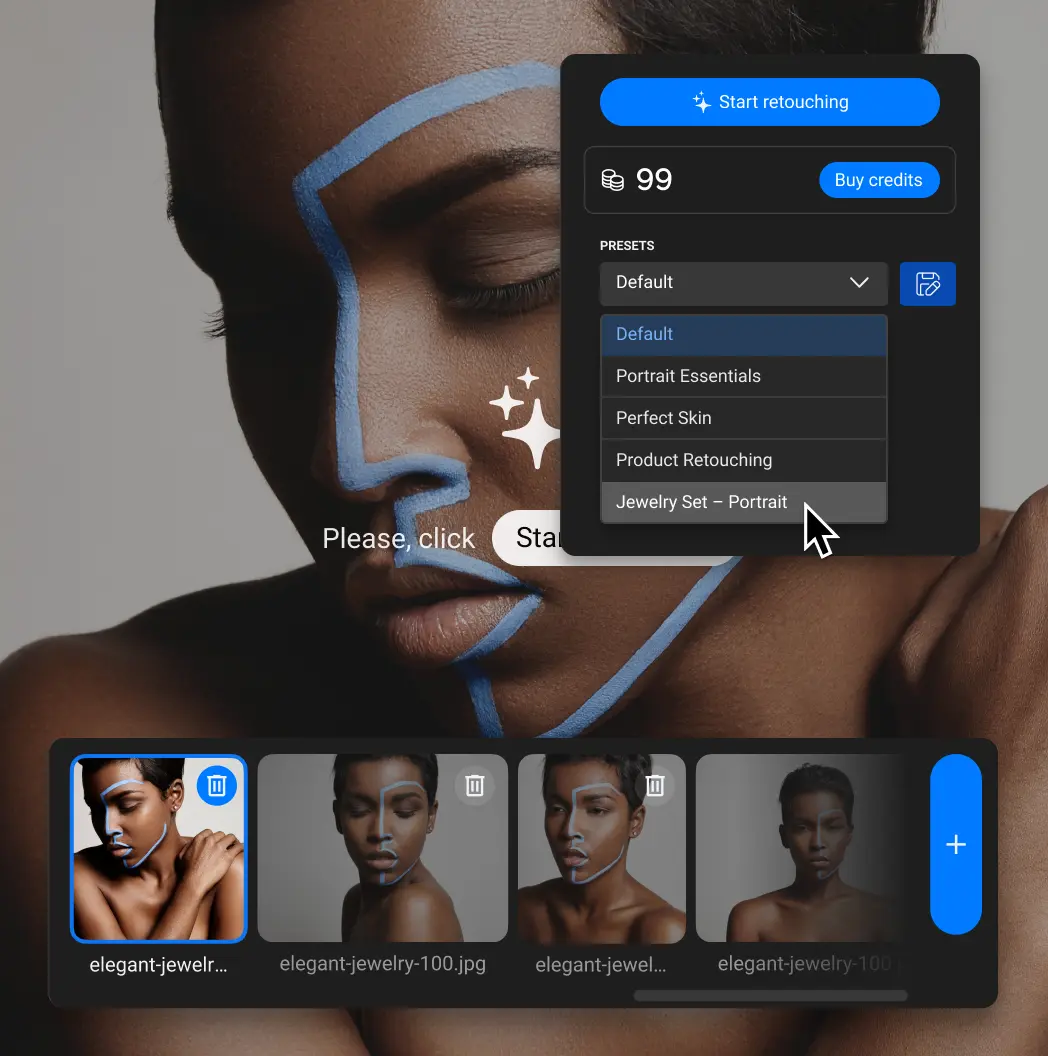
Custom presets
Save your settings and reuse them for similar tasks.
What's inside
Everything you need for everyday retouching
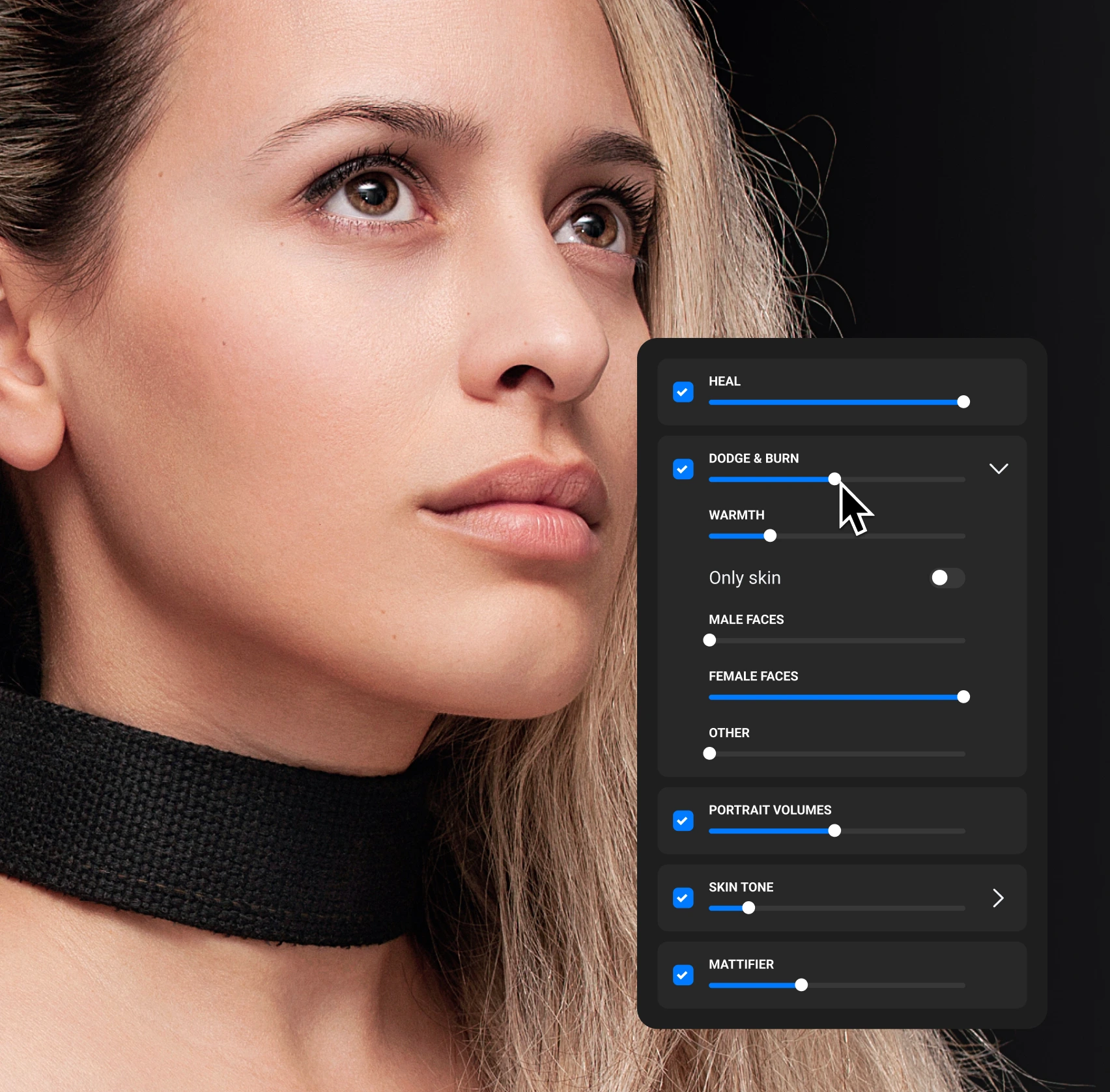
Skin Retouching
Fix skin defects — each tool works precisely without affecting the natural texture.

Heal
Removes acne, blemishes and skin imperfections, with adjustable control over moles

Mattifier
Eliminates oily skin shine

Dodge & Burn
Adjusts highlights and shadows

Skin Tone
Balances and evens out skin tones

Portrait Volumes
Enhances depth and facial structure
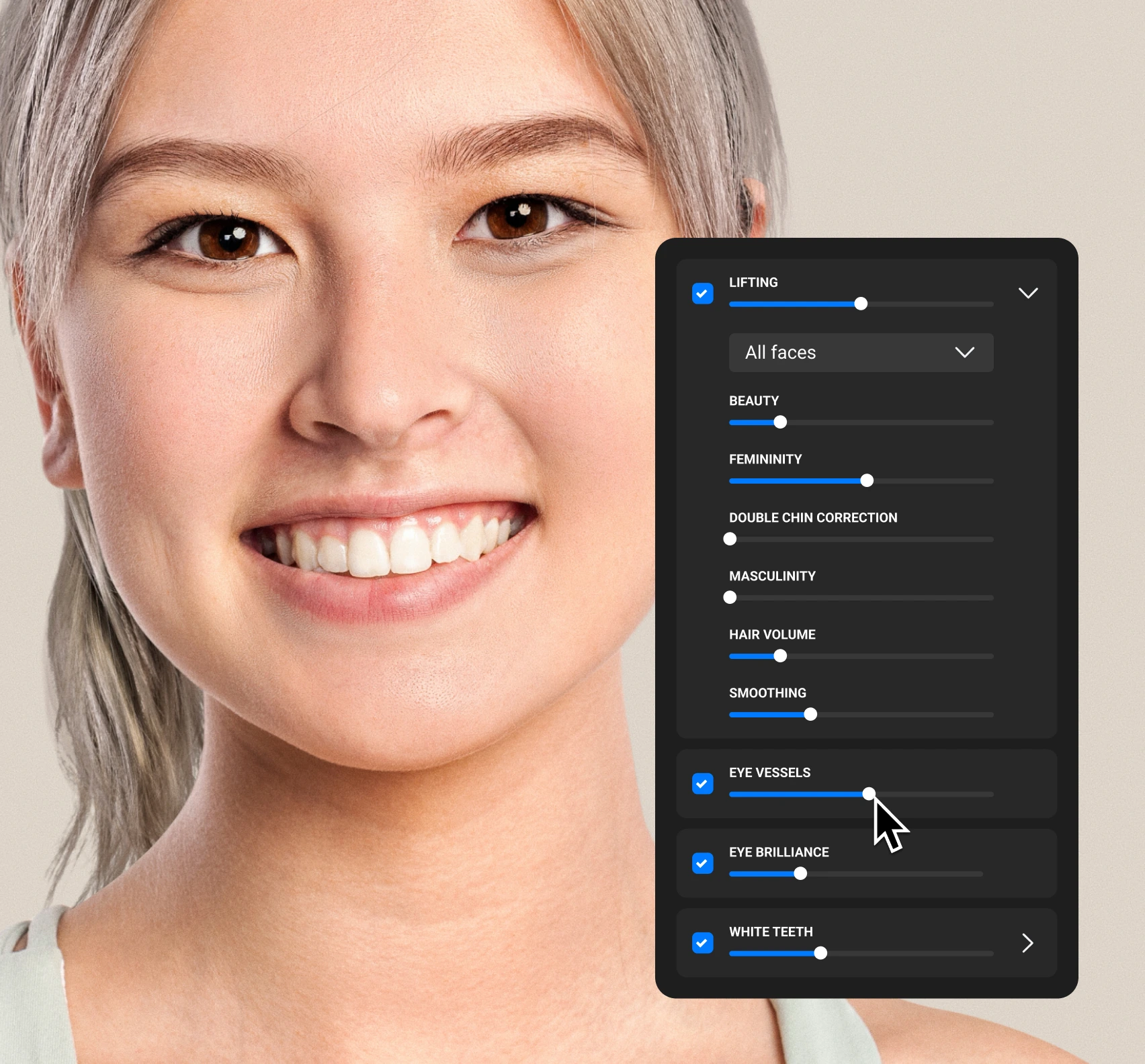
Portrait Details
Refine the features that shape expression — each tool enhances a specific area without losing authenticity.

Lifting
Refines facial features

Eyes Bundle
Removes redness, adds clarity

White Teeth
Naturally whitens teeth
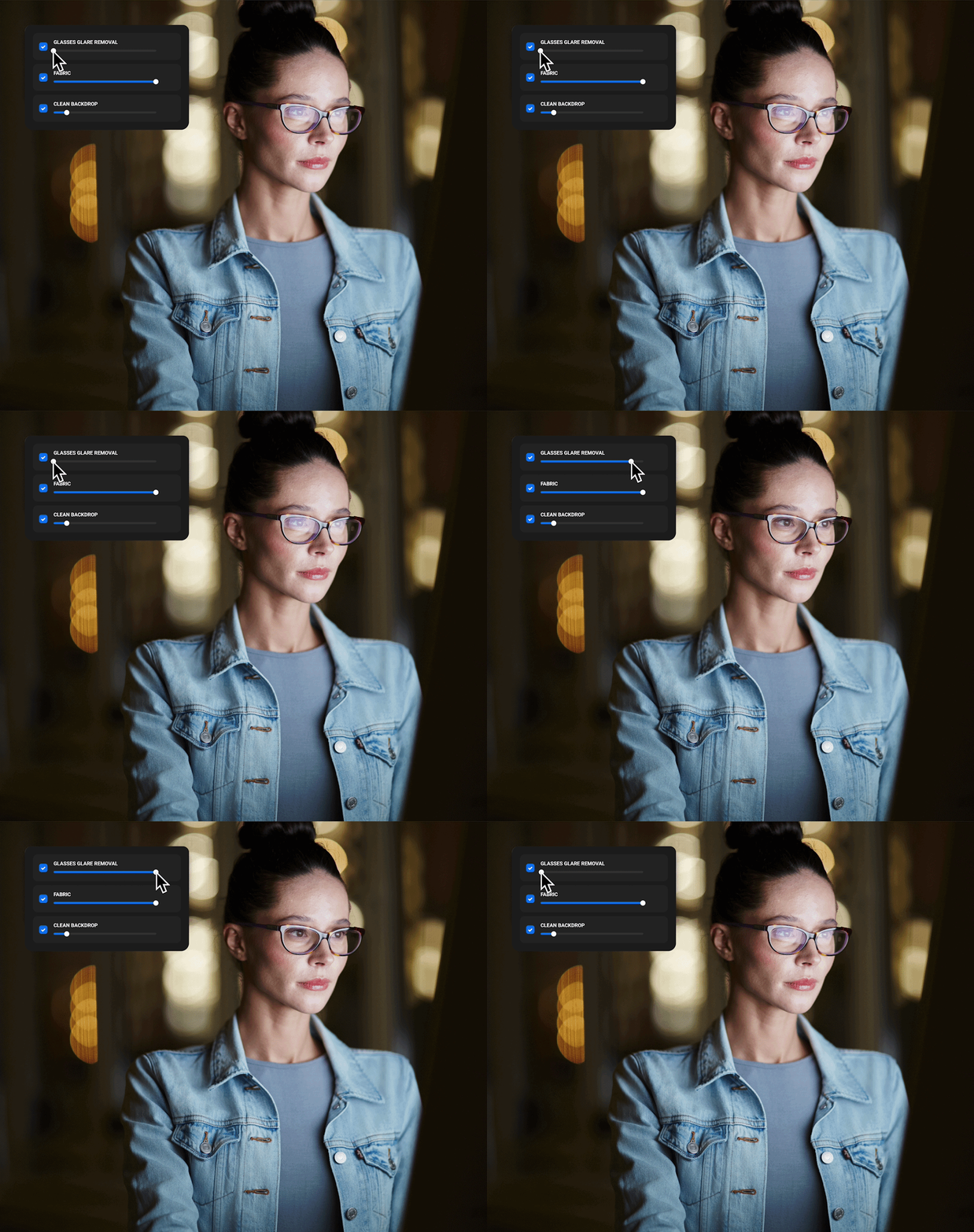
Scene Cleanup
Polish the entire frame — remove anything that distracts from your subject.

Glasses Glare Removal
Removes glare and reflections from glasses

Stray Hairs
Remove stray hairs for a clean, polished look.

Fabric
Smooths wrinkles on clothing

Clean Backdrop
Cleans up studio backgrounds
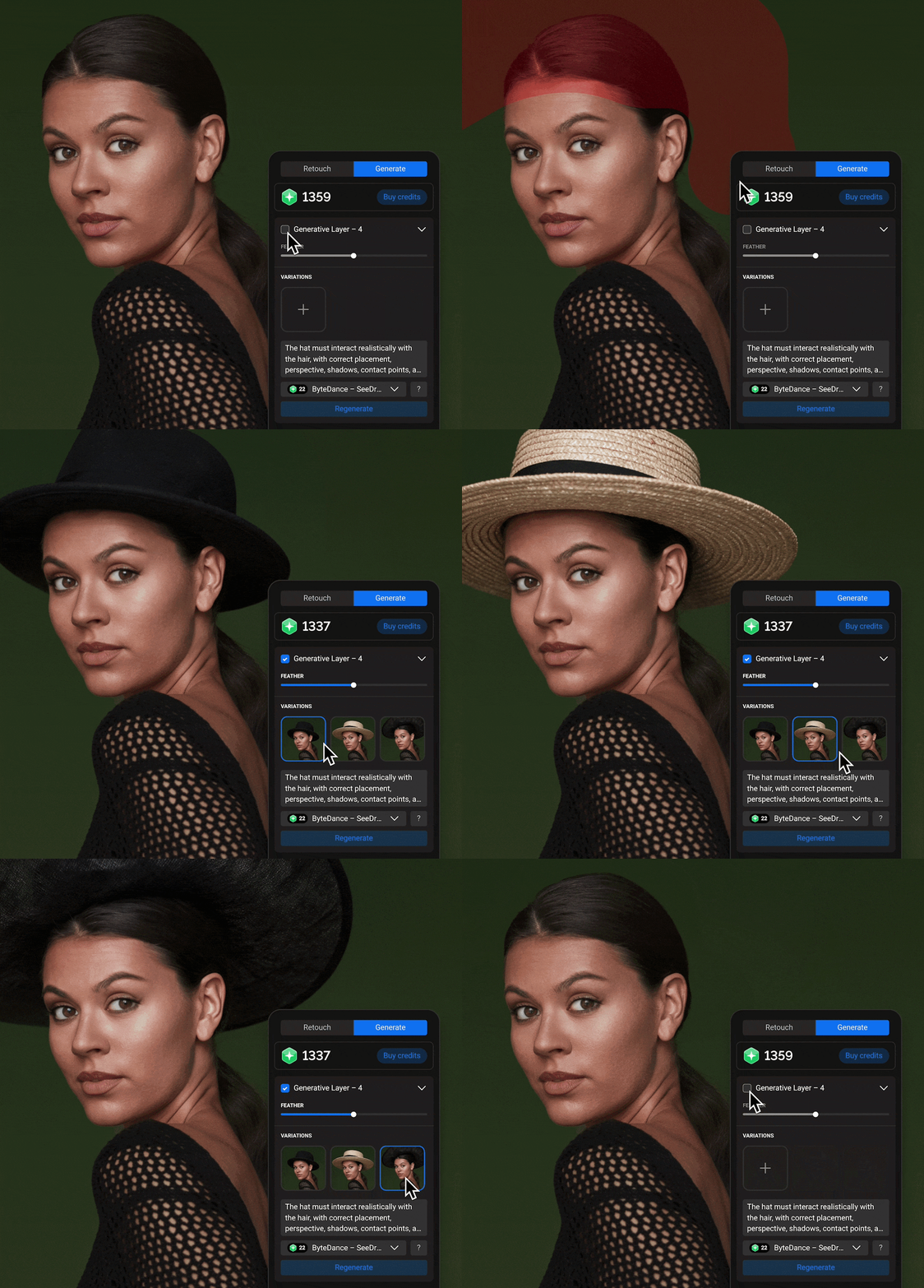
Modify specific areas of the image
Mask the desired area, select a model, and describe the desired result.
Create different variants, compare them, and choose the suitable one.
Watch the video
Quick Review
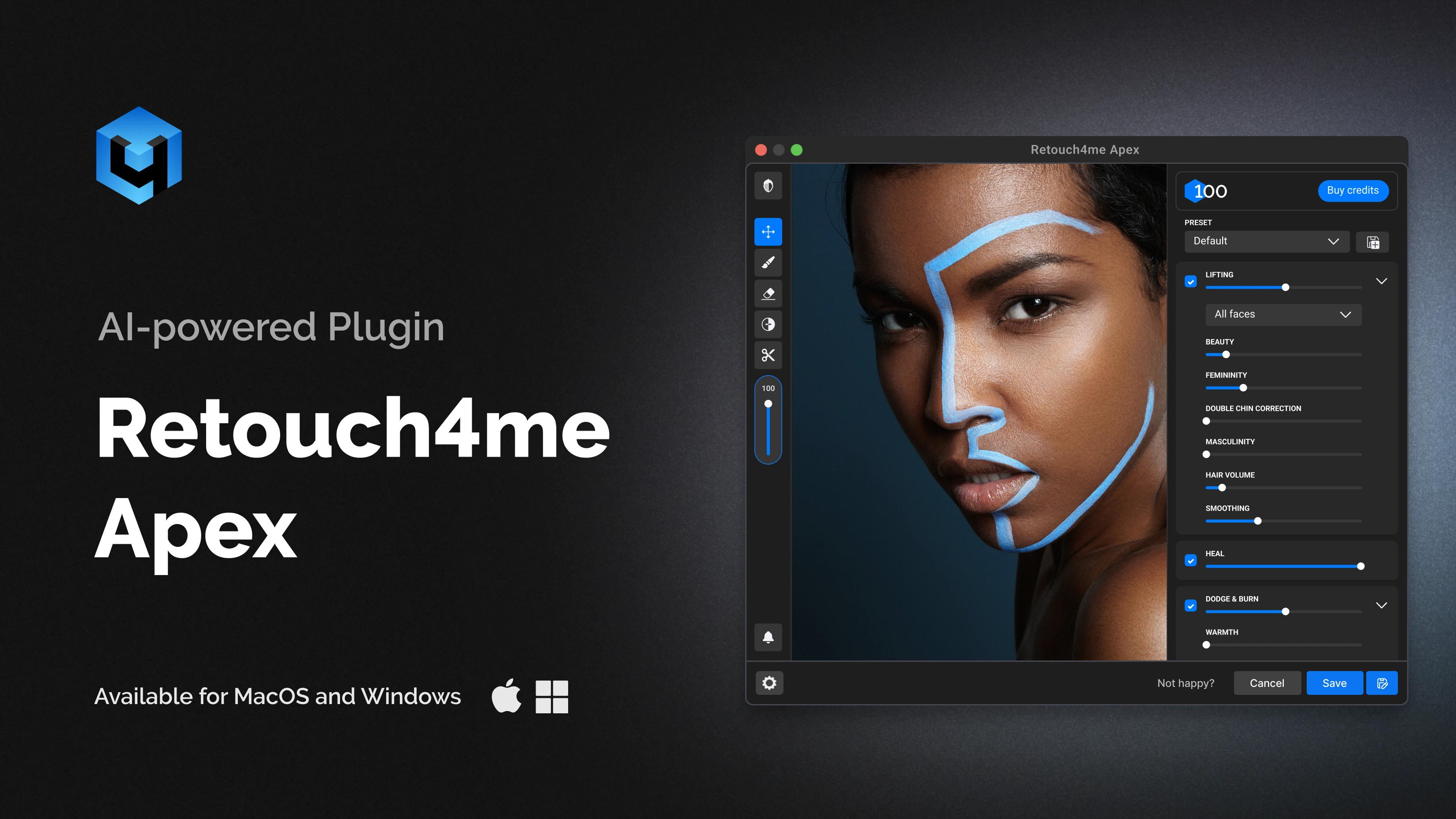
Try it now.
Streamline your workflow with unified AI retouching tools
Need more than one tool?
The annual plan includes Apex and the full AI plugin set
For Best Performance
System requirements
- Windows 10 (x64), Windows 11
- macOS 10.15+
- at least 6 Gb RAM
- 64-bit (x64) processor, 1.2 GHz or faster
- PC: GPU with 4GB RAM or Intel CPU with OpenCL 1.1 support
- MAC: 2015 or later, Intel, M1-M3 or newer CPU’s
Answers to questions